Android Sports Betting Apps
Reviewing Android APK setup, mobile data usage, and Interac CAD payout speeds across licensed sports platforms.
Core Android App Features

Deep North American Coverage
Access over 1,200 daily pre-game and futures lines across NHL, CFL, NFL, and NBA events.

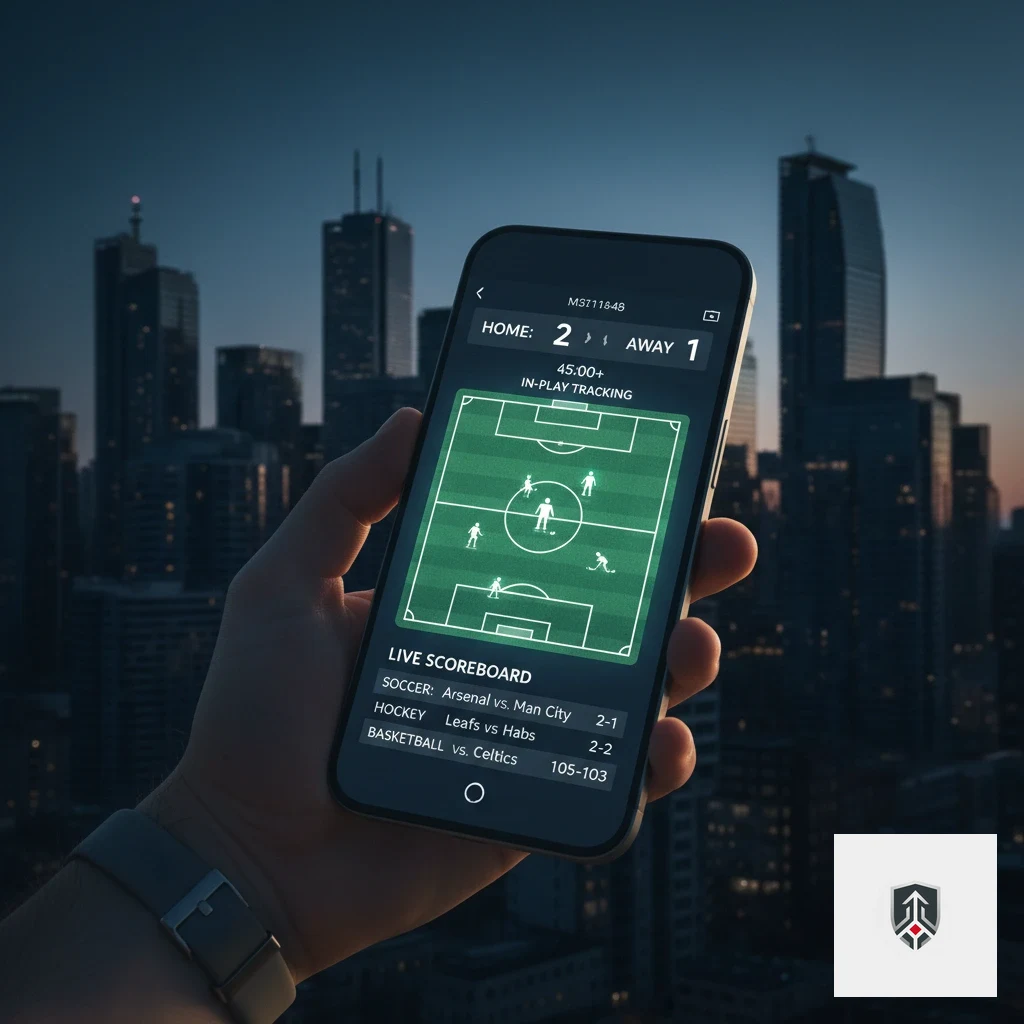
Live In-Play Betting Engine
Sub-second odds recalculations ensure rapid ticket submissions during dynamic live match periods.
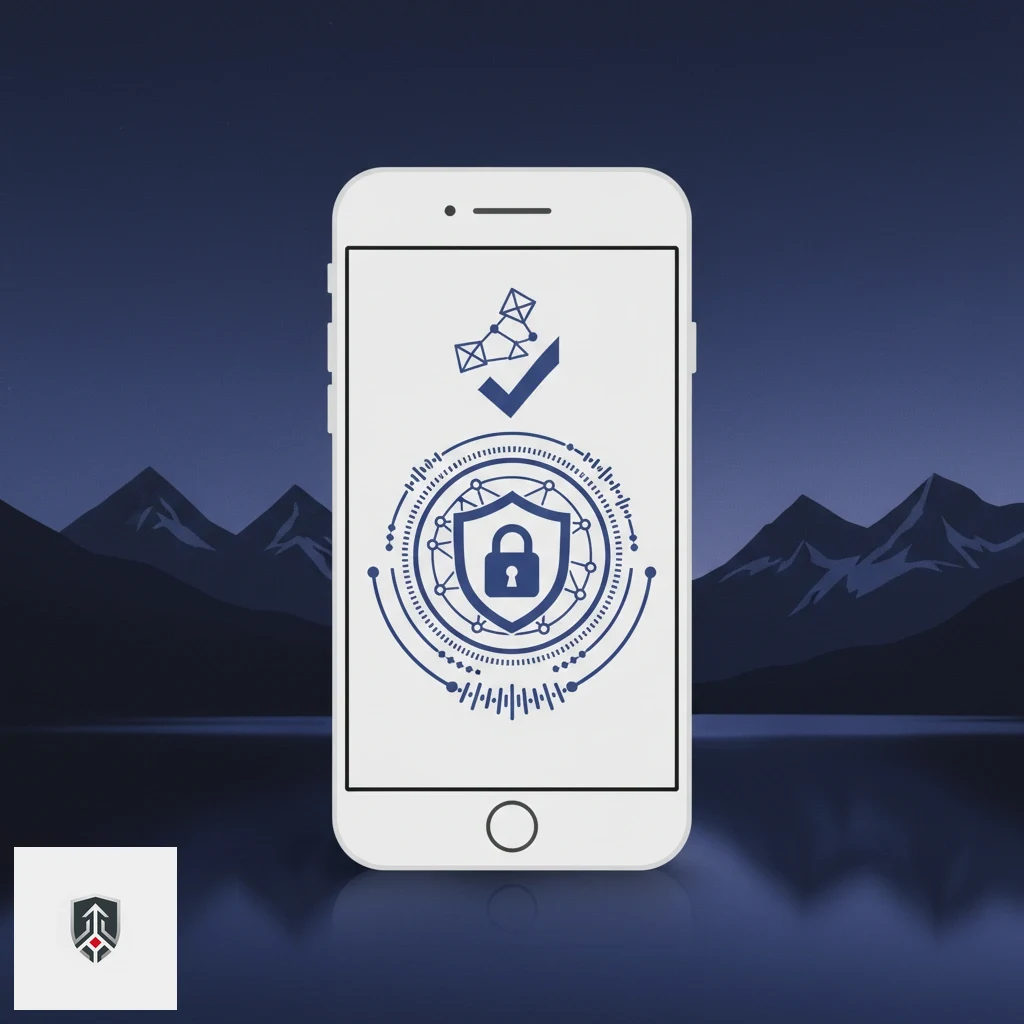
Verified APK Architecture
The standalone package runs SHA-256 integrity verification with 256-bit TLS connection encryption.
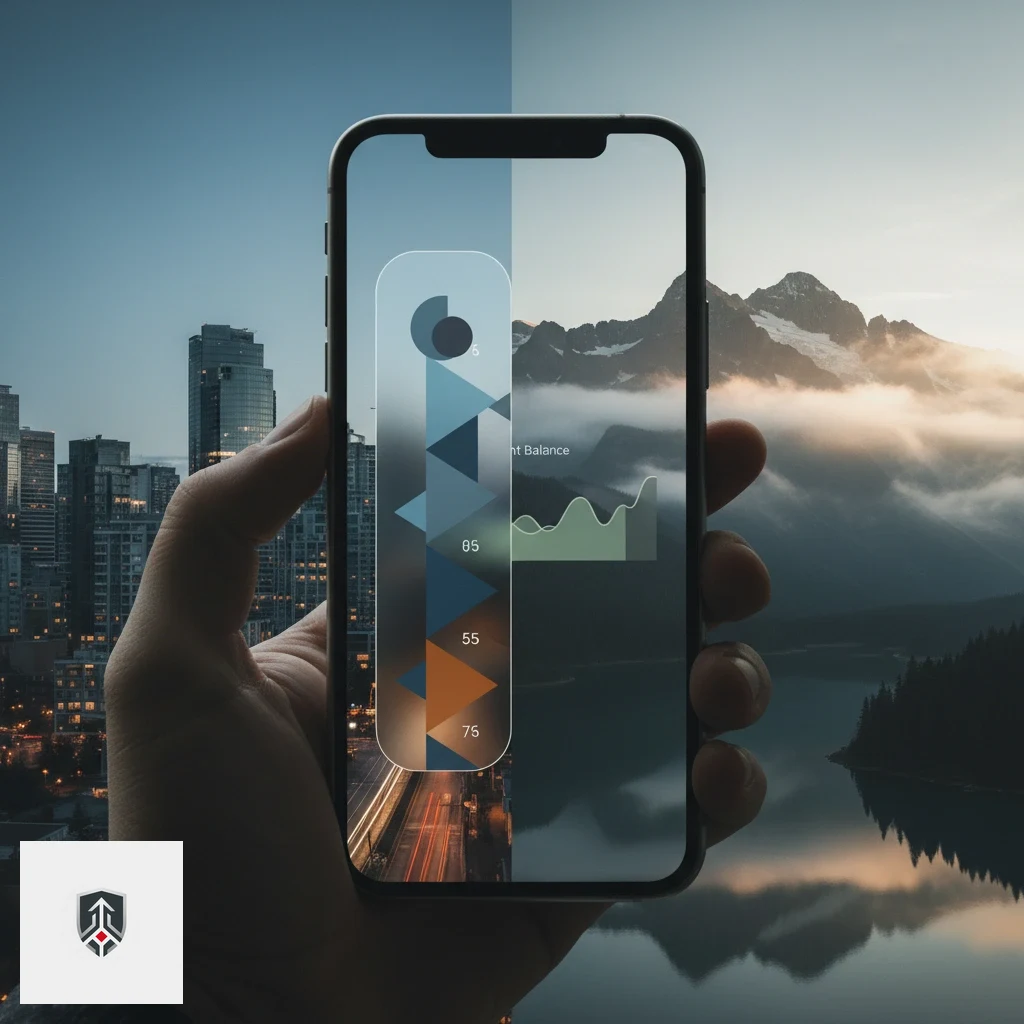
Real-Time Early Cash Out
Settle eligible single and parlay wagers prior to full-time whistle to lock in early returns.
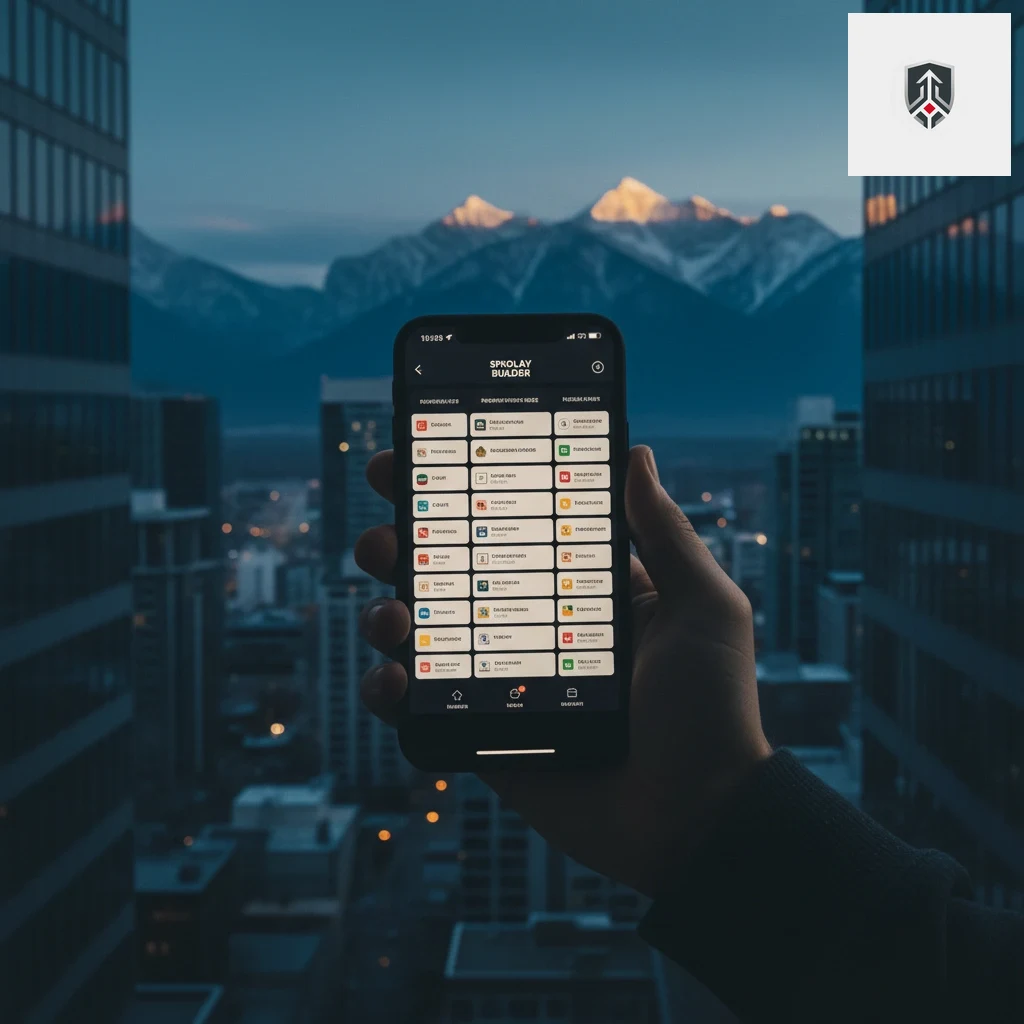
Same-Game Multi Builder
Combine player props, total points, and quarter spreads into custom single-event tickets seamlessly.
CAD & Crypto Cashier
Process fee-free deposits and withdrawals using Interac e-Transfer, BTC, or major stablecoins.
Top Sports Categories Available on Android Betting Apps

Ice Hockey (NHL & International)
Extensive Canadian and international hockey coverage featuring puck lines (-1.5), 60-minute regulation lines, player shot totals, and outright futures for the Stanley Cup and IIHF tournaments.

Football (CFL & NFL)
Full-schedule lines for both CFL and NFL fixtures, offering point spreads, team totals, first-half margins, and player prop combinations on passing, rushing, and receiving yards.

In-Play Live Wagering
Odds updated within seconds of on-field events, allowing users to place fast singles and parlays across dedicated live betting markets directly from their Android device.

Basketball (NBA & NCAA)
Markets for regular season and playoff matchups, spanning traditional moneyline odds, alternate spreads, quarter-by-quarter results, and combined player point, rebound, and assist totals.

Esports Tournaments
Full betting coverage for international tier-one events across Counter-Strike 2, Dota 2, and League of Legends via specialized esports betting fixtures with map handicap lines.

Soccer (MLS & European Leagues)
Standard three-way lines, Asian handicaps, both-teams-to-score (BTTS), and total corner markets covering MLS matches, the English Premier League, and UEFA Champions League fixtures.
Manual APK Setup Instructions
Configuring Android Device Permissions
Real-money wagering packages distributed outside Google Play require manual package installation via sideloading. Android versions 8.0 Oreo through Android 14 isolate installation permissions to individual applications rather than a global toggle across the entire operating system.
To configure your handset for setup:
- Open the system Settings menu on your Samsung Galaxy, Google Pixel, OnePlus, or Motorola device.
- Navigate to Apps or Apps & Notifications, select Special App Access, and locate Install Unknown Apps.
- Locate the browser you intend to use for the download, such as Google Chrome, Samsung Internet, or Brave Browser.
- Toggle the switch next to Allow from this source to the enabled position.
Enabling this toggle grants permission only to that specific browser binary to parse incoming.apk package bundles. You can immediately review matching deposit bonus options once initial access is configured on the device.
Samsung One UI, Xiaomi HyperOS, and stock Android handle this permission slightly differently, though the destination screen is always the same: a per-app "install unknown apps" switch tied to the browser package. On Samsung devices running One UI 6, the toggle sits under Apps > three-dot menu > Special access, rather than inside the browser's own settings page. Xiaomi devices sometimes require disabling MIUI Optimization first, under Developer Options, before the install prompt appears at all. None of these steps grant the browser any access beyond parsing that one file type.
Downloading and Verifying Package Files
After adjusting permissions, proceed to the installation package archive to complete software initialization on your hardware:
- Open your permitted web browser and download the current TrueNorth production build (file package size: approximately 42 MB).
- Pull down the Android notification drawer or launch the native Files / My Files utility to open the Downloads folder.
- Tap the downloaded
TrueNorth-sports-v4.2.apkpackage to execute the native Android Package Installer. - Review the declared permission manifests (network access, optional coarse geolocation for provincial compliance, and optional biometric sensors for PIN authentication).
- Tap Install and allow 5 to 15 seconds for the operating system to unpack the asset layers.
- Select Open to launch your interface, where you can access in-play sports wagering markets, pre-match NHL and CFL lines, and cashout tools directly.
If the installer reports a parsing error, the download almost always got interrupted mid-transfer. Delete the partial file, confirm at least 100 MB of free storage, and switch to Wi-Fi before retrying — cellular networks that throttle background downloads are the usual culprit. A "blocked by Play Protect" warning is a routine scan flag, not a sign of tampering; tapping "install anyway" after verifying the file came from the official domain resolves it in seconds.
Android Navigation and Interface Architecture
Core Mobile Betting Functionality
Real-Time Telemetry and In-Play Markets
Live wagering on Android hardware requires low-latency data feeds to reflect momentum shifts without mispricing bets. The TrueNorth Android client integrates dynamic match telemetry across 25+ athletic disciplines, updating moneyline, spread, and prop prices every 1.5 to 3 seconds during active play. Punters tracking NHL, CFL, or NBA fixtures receive animated graphic visualizers showing ball or puck positioning, foul counts, shot attempts, and possession splits when video feeds are restricted by broadcast territory licensing.
Where licensed streaming rights exist, users with a funded CAD account or an active slip placed within the preceding 24 hours can access integrated low-bandwidth video streams directly above the betting slips. To explore wagering strategies for active events, consult our dedicated live betting overview. Visual color cues flag moving odds immediately—green indicates lengthening prices while red highlights shortening odds—helping bettors identify market value prior to placing in-play selections.
Reconnection handling matters more on mobile than on a desktop link. If a subway tunnel or elevator drops the WebSocket feed, the client caches your last-known odds and marks them stale with a small greyed-out badge rather than letting you submit a bet against outdated pricing. Once the connection resumes, prices refresh within one to two seconds and any queued slip automatically re-validates before submission, so a fill either goes through at the confirmed number or gets rejected with a clear reprice prompt.
Cash Out Options and Same-Game Parlays
Risk mitigation tools within the Android interface provide real-time control over open tickets. The single-tap Cash Out engine calculates early settlement valuations algorithmically, factoring in current time remaining, underlying statistical volatility, and market pricing shifts. Users can execute full settlements to secure immediate returns or use the partial Cash Out slider to liquidate an adjustable percentage (e.g., 25%, 50%, 75%) while leaving the remaining balance staked on the original outcome.
Complementing early settlement, the native Bet Builder enables multi-leg parlays compiled from a single fixture across soccer, basketball, and football fixtures. Bettors can combine match totals, team spreads, and individual player props into a single ticket with automated correlation pricing. First-time account holders funding their bankroll can evaluate promotional incentives via our sportsbook deposit bonus guide to optimize bankroll allocation before building multi-leg tickets.
Bet history on Android groups slips by sport and by status — open, settled, cashed out, and void — with a running net figure at the top of each tab. Exporting a CSV of settled wagers is available from the account menu, handy at tax time or when reconciling a season-long tracking spreadsheet. A separate "pending review" flag appears on same-game parlays awaiting correlation approval on unusual combinations, typically clearing within a minute or two rather than sitting unresolved.
Android Banking, Security, and Account Controls
Native App vs Mobile Browser Site
TrueNorth Android Native Application
Installing the native Android APK file provides distinct performance advantages for high-volume sports wagering and fast-moving in-play markets. Because graphical assets, interface containers, and layout libraries reside locally on the device (occupying roughly 45 MB of storage), screen transitions between sporting leagues and bet slip calculations happen with minimal latency. Data queries rely on persistent WebSocket connections, ensuring that live odds updates for NHL, CFL, and international soccer matches refresh in fractions of a second without redrawing the entire viewport.
Hardware-level integration gives the native app access to Android OS system tools. Bettors can enable biometric login (via Android BiometricPrompt for fingerprint scanning and facial recognition), eliminating manual password entry while keeping wagering accounts secure. Furthermore, customizable push notifications alert users to settled wagers, impending kickoff times, and dynamic price fluctuations across their tracked live betting markets even when the application is minimized or running in the background.
Battery draw is the other practical trade-off worth naming. Because the native app parks a persistent WebSocket connection while backgrounded, it uses roughly 3% to 5% of battery over an idle hour with notifications enabled, comparable to a messaging app. Disabling live push alerts and closing the app fully between sessions drops that closer to zero.
TrueNorth Mobile Browser Version
The mobile-optimized web portal runs directly through mobile browsers such as Google Chrome, Firefox, Opera, or Samsung Internet without requiring file downloads or third-party installation permissions. This architecture makes it ideal for bettors operating devices with limited storage capacity, older Android operating systems (prior to Android 8.0), or secondary devices where sideloading APK packages is restricted by corporate policy or personal preference.
While the browser version grants identical access to Canadian sports markets, single-game parlays, and banking methods—such as Interac e-Transfer, Visa, and crypto deposits—it operates under the standard constraints of mobile web rendering. Every interface change requires DOM asset parsing over your mobile data or Wi-Fi connection, which can add minor delay during peak betting events like the Super Bowl or Stanley Cup playoffs. Session handling relies on standard browser cookies rather than OS-level biometric keystores, meaning re-authentication is required after inactivity periods. However, players still enjoy full promotional eligibility, including any active sportsbook deposit bonus options without running background services.
Storage-constrained phones benefit the most from the browser route. A budget Android device shipping with 32 GB of onboard storage, much of it already claimed by the OS and pre-installed apps, may struggle to justify a 115 MB native install alongside a camera roll and two or three other apps. The browser leaves no persistent footprint beyond a small cache, which clears automatically under Android's storage management when space runs low.
App Performance and Data Consumption
Android Sports Betting App FAQ
How do I install the TrueNorth Android APK safely on my device?
What are the minimum Android hardware and OS specifications?
How do version updates work without Google Play auto-updates?
Can I deposit, withdraw, and claim promotions directly through the app?
Does the Android app support biometric authentication?
What permissions does the Android app actually request?
What happens to my account if I uninstall the app?
Does the Android app work on tablets as well as phones?
Why does the app need my location to verify eligibility?